
Social media profiles give you just one clickable link, which means you’re forced to choose between your website, latest product, YouTube channel, or online store. A bio links builder solves this problem by creating a single landing page that houses all your important links in one place, letting your followers access everything you want to share. Think of it as your personal hub that turns that single bio link into a gateway to your entire online presence.
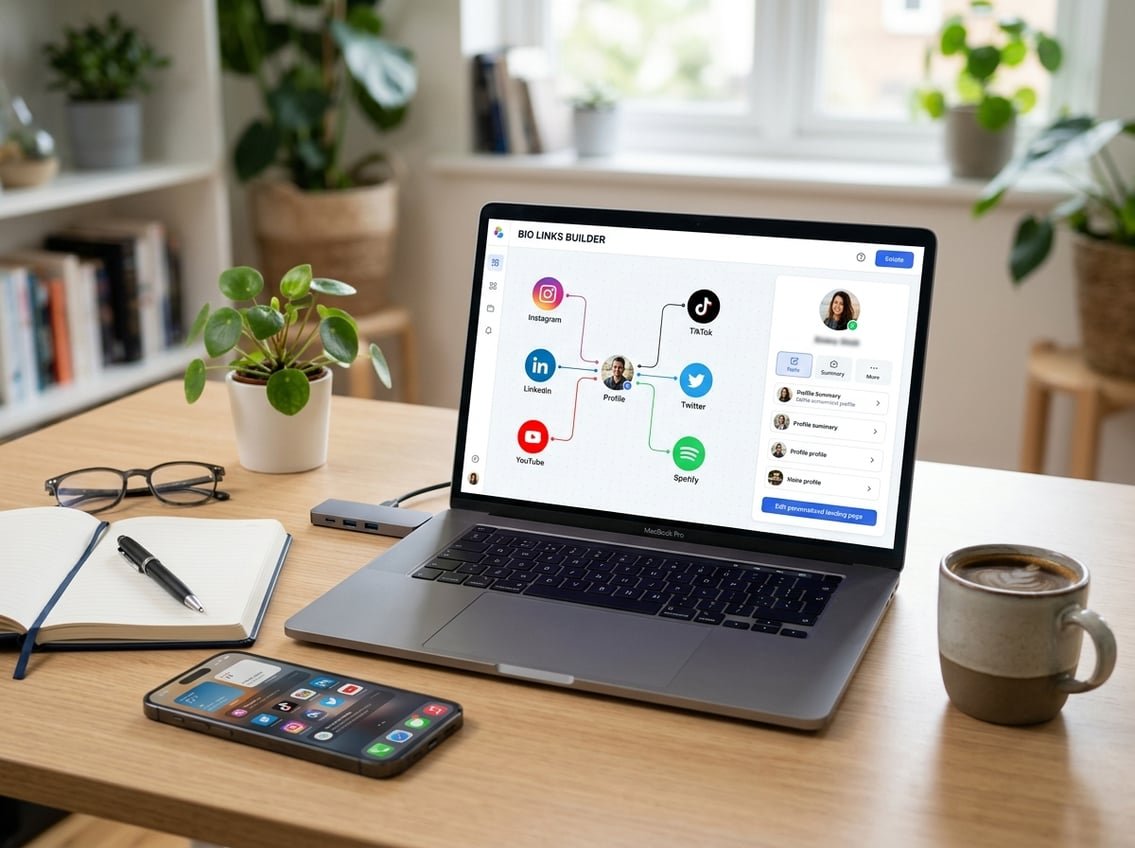
You’ve probably seen these link in bio pages from your favorite creators and wondered how to make one yourself. The good news is that building your own bio website takes just minutes with the right tools, and many options are completely free to start. Whether you’re growing your personal brand, selling products, or promoting content across multiple platforms, a well-designed link in bio page helps you direct traffic exactly where you want it to go.
These tools have evolved far beyond simple link lists. Modern bio links builders offer custom branding, analytics to track which links get clicked, mobile-responsive designs, and even integrated shopping features. You don’t need coding skills or technical expertise to create a professional-looking page that represents your brand and makes it easy for followers to connect with your content.
Key Takeaways
- Bio links builders let you share multiple links through one URL in your social media bio
- Most platforms offer free plans with customizable templates that match your brand style
- Track your link performance with built-in analytics to understand what your audience engages with most
What Is a Bio Links Builder and Why You Need One
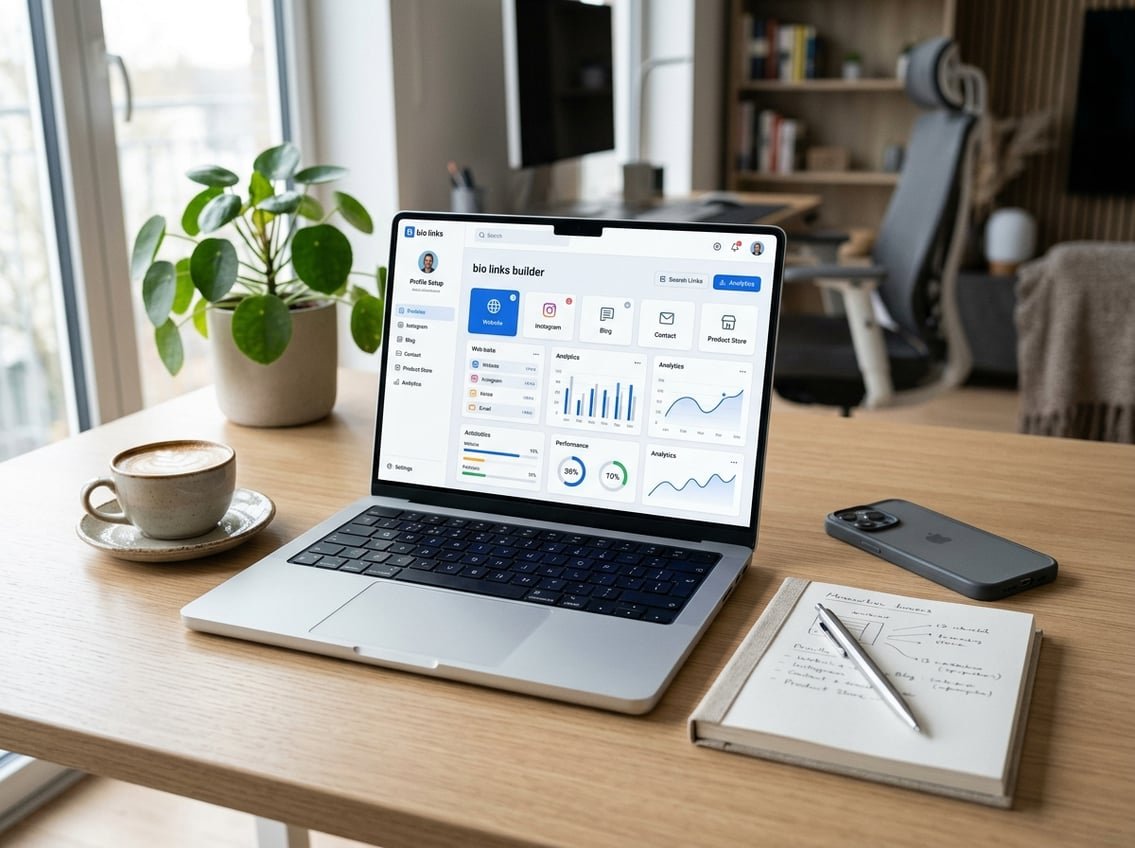
A bio links builder creates a single landing page that houses multiple links to your content, products, and platforms. This tool solves the one-link limitation on social media profiles by transforming your bio link into a gateway that directs visitors to everything that matters for your personal brand.
The Evolution of the Link in Bio
Instagram and TikTok allow only one clickable URL in your profile bio. This restriction created a problem: how do you share your latest YouTube video, promote your online shop, and link to your newsletter signup all at once?
The link in bio concept emerged as the solution. Instead of constantly swapping out your bio URL, you point it to a bio link page that contains multiple destinations. Your followers tap the bio link and land on a centralized hub where they can choose where to go next.
In 2026, this approach has expanded beyond just Instagram workarounds. Your bio website now functions as a standalone conversion tool that works across TikTok, YouTube channel descriptions, Twitter bios, podcast show notes, and email signatures.
Benefits of Using a Centralized Hub
A centralized hub eliminates the need to choose between your priorities. You can simultaneously promote your current campaign, your product catalog, your newsletter, and your other social links without sacrificing any of them.
Key advantages include:
- Brand control: Using a branded domain like
yourbrand.com/linksinstead oflinktr.ee/yournamekeeps your brand front and center - Click analytics: Track which links get clicked, when traffic peaks, and where your visitors come from
- Mobile optimization: Every visitor arrives from mobile, and your link page is designed specifically for touch interaction
- Update flexibility: Change your top priority link before each post goes live without editing your bio URL
The data from your bio link page reveals what your audience actually cares about. A link with zero clicks in 30 days tells you to remove it and use that space for something more valuable.
Who Should Use Bio Links Builders
Content creators who publish across multiple platforms need a single destination where fans can find their latest work. A YouTube creator can link to new videos, merch, Patreon, and Instagram all from one social links page.
E-commerce brands benefit by directing traffic to product drops, collections, sale pages, and customer service channels simultaneously. Your bio link becomes your mobile storefront entrance.
Service providers and freelancers use bio websites to showcase portfolios, booking calendars, contact forms, and testimonials. One link in your email signature or LinkedIn bio gives potential clients everything they need to evaluate and hire you.
Musicians, coaches, podcasters, agencies, and event organizers all face the same constraint: limited bio space with unlimited things to share. A bio links builder turns that single URL into infinite possibilities.
Key Features to Look for in a Modern Bio Links Tool
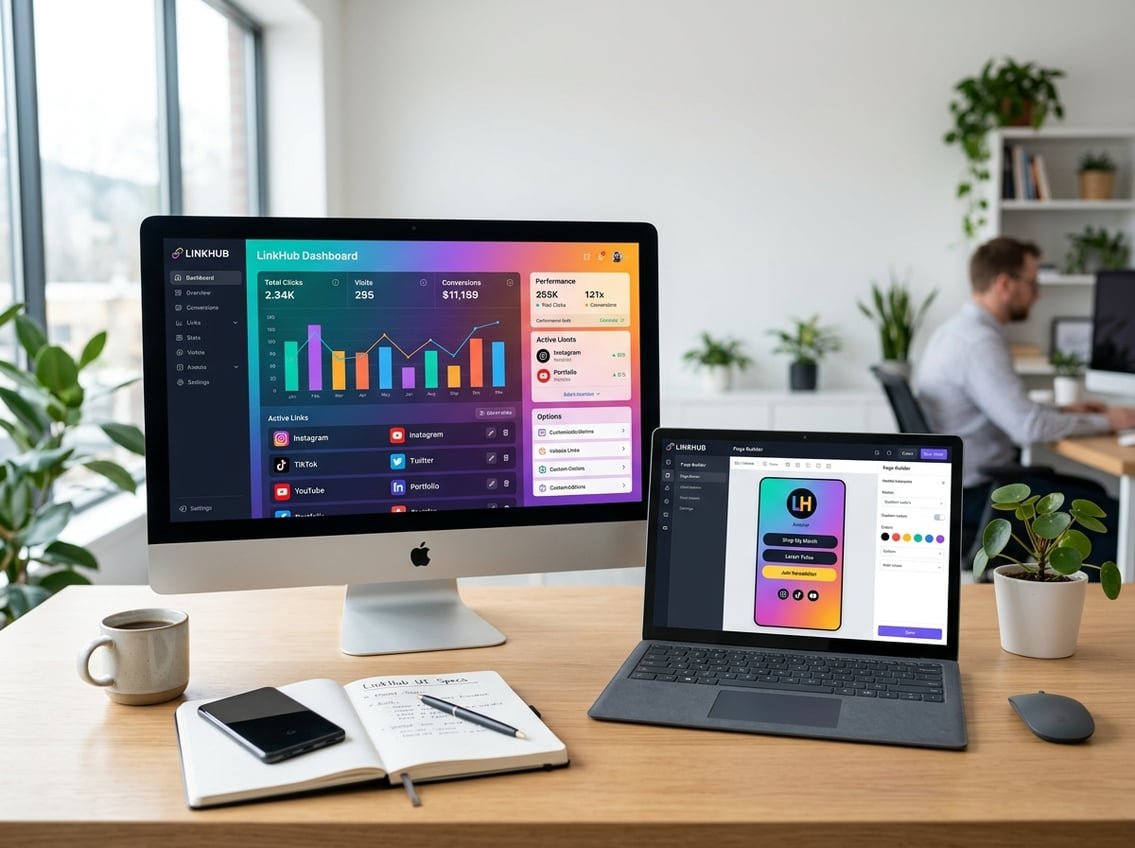
The right bio link builder transforms a single URL into a powerful marketing hub. Focus on customization options, unlimited linking capabilities, professional branding tools, and robust analytics to maximize your social media presence.
Customizable Templates and Themes
Your link in bio site should reflect your unique brand identity from the moment visitors land on it. The best bio link builders offer extensive template libraries with designs ranging from minimalist layouts to vibrant, content-rich pages that match your aesthetic.
Look for platforms with drag-and-drop editors that let you modify link in bio templates without coding knowledge. You should be able to switch between single-column, multi-column, grid, or carousel layouts even after publishing. Some tools offer 50+ responsive templates that adapt seamlessly to mobile devices.
Template customization goes beyond basic layouts. You need the ability to adjust every visual element—from typography and spacing to animations that highlight priority links. The flexibility to change templates mid-campaign without losing your content saves valuable time when refreshing your link in bio website.
Unlimited Links and Social Integrations
Platform limitations on link quantity can severely restrict your promotional capabilities. Choose tools that provide unlimited links so you can share every important resource without constantly swapping URLs in and out.
Your bio link builder should integrate smoothly with major platforms like Instagram, TikTok, YouTube, Shopify, Amazon, and email marketing services. These integrations let you embed music tracks, videos, products, and booking systems directly into your page. Advanced tools connect with 1,000+ apps through automation platforms like Zapier.
Cross-platform compatibility matters tremendously. Your link in bio template should support features like Instagram API integration, TikTok Shop connections, and Meta Pixel implementation for retargeting visitors across Facebook Ads and Google campaigns.
Branding and Design Tools
Professional branding capabilities separate basic link pages from polished marketing assets. You need full control over brand colors, fonts, custom backgrounds, and visual elements that align with your existing marketing materials.
Custom domain support is essential for credibility. Instead of generic URLs, you can create branded short links that reinforce your identity. Many platforms now offer URL customization and shortening features that make your links more memorable and shareable.
Advanced branding tools include custom profile pictures, background images, and the ability to add widgets that enhance functionality. Some builders let you create multiple projects or link in bio sites under one account, perfect if you manage teams or separate business ventures requiring distinct brand identities.
Built-In Analytics and Tracking
Data-driven decision making requires comprehensive analytics built directly into your bio link builder. You should access detailed metrics on clicks, views, and visitor behavior without needing third-party tools for basic insights.
Quality platforms integrate with Google Analytics and Meta Pixel for deeper tracking capabilities. This combination lets you monitor daily and monthly performance trends, identify your most effective links, and understand which content resonates with your audience.
Look for tools that support UTM parameters for campaign tracking across marketing channels. Advanced analytics should show you per-link statistics, visitor demographics, and conversion data. Some platforms offer retargeting features that let you create custom audiences from link clickers, turning your link in bio website into an active lead generation tool rather than just a directory.
Step-by-Step Guide to Creating Your Link in Bio Page
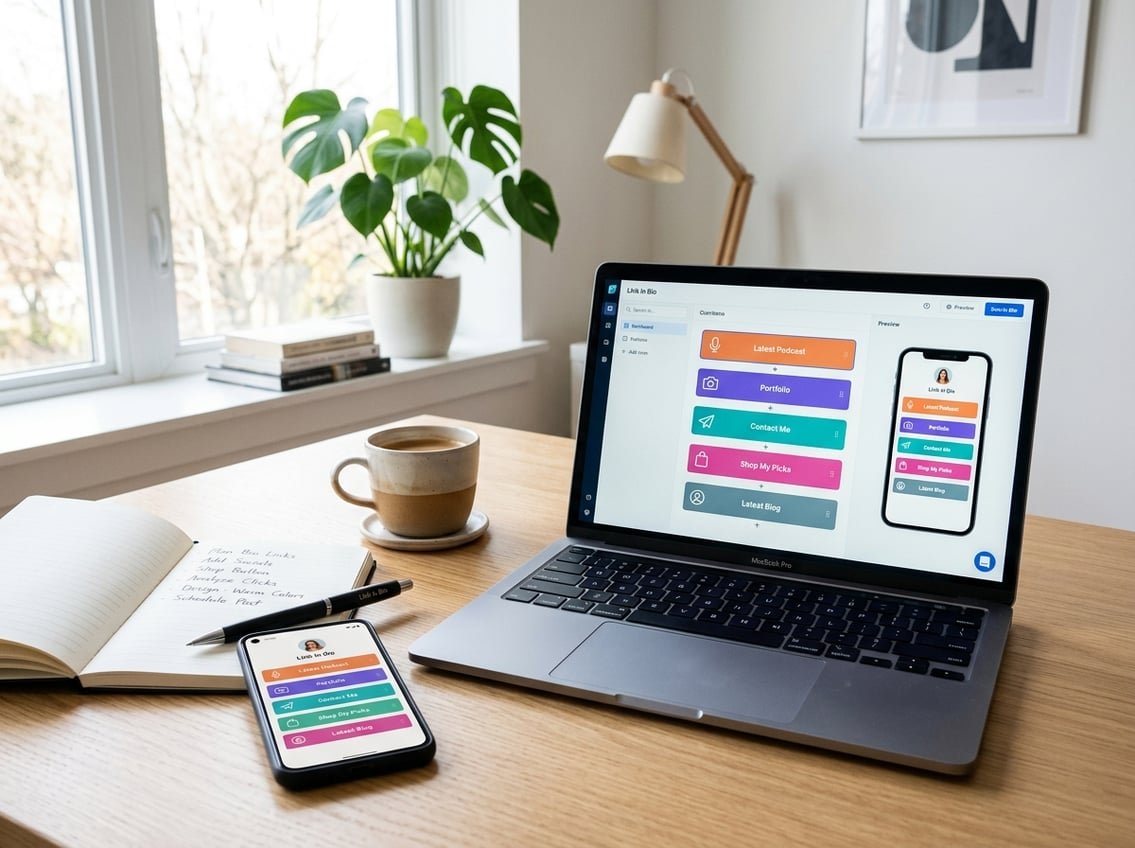
Building your link in bio page is straightforward and takes just minutes. You’ll select a builder that fits your needs, customize the design to match your brand, add your essential links, and connect it to your social profiles.
Choosing the Right Bio Links Builder
Start by evaluating bio link builders based on features that matter to your goals. Free options like Linktree and Lnk.Bio offer basic templates and unlimited links, while paid tools provide custom domains, advanced analytics, and more design flexibility.
Consider whether you need a drag-and-drop editor for easy customization or prefer pre-made link in bio templates. If you’re building a brand, prioritize builders that let you remove their logo and use a custom domain instead of a generic subdomain.
Test a few platforms before committing. Most link in bio builders let you create a link in bio for free, so you can experiment with different interfaces. Look for mobile-responsive designs since most visitors will access your page from their phones.
Your choice should align with your technical skill level and budget. If you’re already using a social media management tool like Hootsuite or Later, their built-in bio link builders might streamline your workflow.
Designing and Branding Your Link Page
Make your bio link page instantly recognizable by matching it to your brand identity. Upload your logo or profile photo, choose colors that align with your visual style, and select fonts that reflect your personality.
Customize your background with solid colors, gradients, or images that complement your content without overwhelming your links. Many builders offer ready-made themes you can adapt, saving time while maintaining a professional look.
Keep your design clean and mobile-friendly. Avoid cluttered layouts or tiny text that’s hard to read on smaller screens. Use your brand’s color palette consistently across buttons, backgrounds, and text to create a cohesive experience.
Add a profile description that tells visitors what to expect. This short bio should be punchy and direct—just one or two sentences explaining who you are or what you offer.
Adding, Arranging, and Personalizing Links
Add your most important links first, placing them at the top where they’re immediately visible. Include your website, latest content, product pages, or lead magnets depending on your current priorities.
Write descriptive button text that tells visitors exactly where they’re going. Instead of “Click here,” use specific phrases like “Shop new collection” or “Read the full guide.” This clarity boosts click-through rates and improves user experience.
Arrange links by dragging and dropping them into the order that serves your goals. Put time-sensitive promotions or featured content first, then add evergreen links below. Update this order regularly to keep your page fresh and relevant.
Add visual elements like icons or thumbnail images next to each link to make your page more engaging. Some builders let you embed videos or showcase your recent social posts directly on your customizable bio link page, creating a dynamic experience that encourages exploration.
Connecting Your Socials and Publishing
Copy your bio link URL from your builder’s dashboard. On Instagram, tap your profile, select “Edit profile,” then paste the link in the “Links” section. For TikTok, you’ll need a business account or 1,000+ followers to access the bio link feature.
Test your link before announcing it to ensure all buttons work correctly and pages load as expected. Click through every link on both mobile and desktop to catch any broken URLs or formatting issues.
Add your bio link to all your social platforms where applicable—Twitter, Pinterest, LinkedIn, and anywhere else that allows profile links. This “share everywhere” approach maximizes the visibility of your curated content hub.
Update your link in bio regularly to reflect new content, promotions, or priorities. Most builders let you edit links instantly without changing your main URL, so you can keep your page current without updating every social profile.
Best Practices for High-Performing Link in Bio Pages

Success with your link in bio page comes down to strategic link placement, conversion-focused design choices, and consistent brand presentation that makes your audience want to click and explore.
Prioritizing Your Most Important Links
Place your highest-priority links at the top of your link in bio page where they receive the most attention. Your most valuable offers, newest content, or primary call-to-action should occupy the first two to three positions since these get clicked more frequently than anything below the fold.
Consider what matters most to your current goals. If you’re launching a product, your online store link belongs at the top. When promoting new content, feature your latest blog post or video first.
Limit your total links to between five and eight options. Too many choices overwhelm visitors and reduce click-through rates across all links. Remove outdated content regularly and replace it with fresh, relevant destinations.
Priority Order Framework:
- Position 1: Primary conversion goal (product launch, sign-up page, online store)
- Position 2: Secondary conversion goal (newsletter, lead magnet)
- Position 3-5: Supporting content (blog, recent posts, portfolio)
- Position 6-8: Evergreen resources (contact, about, social profiles)
Use clear, action-oriented text for each link rather than vague labels. “Shop New Collection” performs better than “Click Here.”
Optimizing for Engagement and Conversions
Track click data to understand which links resonate with your audience and which ones get ignored. Most link in bio tools provide analytics showing click counts, conversion rates, and visitor behavior patterns.
Test different link orders, button styles, and descriptions to improve performance. Small changes like adjusting your link copy or reordering your top three options can significantly impact click-through rates.
Add visual elements strategically. Thumbnail images next to each link increase recognition and clicks, but they should be clear and relevant rather than decorative. Keep file sizes optimized for fast loading.
Conversion-Boosting Techniques:
- Include specific calls-to-action in link descriptions
- Add urgency when appropriate (“Limited Time Offer”)
- Use buttons instead of plain text links
- Enable link scheduling to keep content fresh automatically
- A/B test different arrangements weekly
Create dedicated landing pages for campaigns rather than sending all traffic to your homepage. This targeted approach increases conversion rates and helps you measure campaign effectiveness accurately.
Aligning Design With Brand Identity
Your link in bio page should reflect your brand identity through consistent use of brand colors, fonts, and visual style. This recognition reinforces trust and creates a seamless experience from social media to your destinations.
Choose a background that complements your brand colors without overwhelming the links themselves. Solid colors or subtle gradients work better than busy patterns that distract from your content.
Brand Consistency Checklist:
- Match button colors to your primary brand palette
- Use your logo or professional headshot at the top
- Apply consistent fonts that match your website or blog
- Maintain similar visual style across all elements
- Keep spacing and layout clean and organized
Your bio description should use the same voice and messaging style as your other platforms. If your brand personality is playful, let that show through your link descriptions and page copy.
Consider creating a custom domain for your link in bio page rather than using the default URL from your builder tool. A branded link looks more professional and builds credibility with your audience.
Advanced Strategies and Features for Power Users
Power users can leverage sophisticated tracking methods, manage multiple projects across teams, and connect their bio link directly to existing digital properties. These capabilities transform a simple link hub into a comprehensive marketing command center.
Using UTM Parameters and Tracking Analytics
UTM parameters let you track exactly where your traffic comes from by appending specific tags to your links. When someone clicks a link with UTM codes, your analytics platform records the source, medium, and campaign name. This means you can see which Instagram post drove more conversions than your TikTok content, or whether your newsletter subscribers engage differently than your YouTube audience.
Most modern bio link builders include built-in analytics that display click rates, geographic data, and device types. You can combine these native metrics with UTM parameters for even deeper insights. For example, tag each link with campaign-specific UTM codes like ?utm_source=instagram&utm_medium=bio_link&utm_campaign=spring_sale to track performance in Google Analytics alongside your bio link’s built-in analytics dashboard.
The best approach involves creating a consistent UTM naming convention across all your projects. This standardization makes it easier to compare campaigns and identify trends over time.
Team Collaboration and Project Management
Managing multiple bio links becomes essential when you’re handling clients or running several brands. Advanced platforms allow you to create separate projects for each brand or campaign, keeping everything organized in one account. You can switch between projects instantly without logging in and out.
Teams benefit from collaboration features that let multiple users access and edit bio links with different permission levels. You might give your social media manager full editing access while restricting your graphic designer to view-only permissions. Some platforms track who made which changes and when, creating an audit trail for accountability.
Project templates save significant time when you’re launching similar campaigns repeatedly. Set up your standard link structure, branding, and tracking parameters once, then duplicate it for new projects.
Integrations With Blogs and Online Stores
Connecting your bio link builder to your blog creates dynamic content that updates automatically. When you publish a new post, it appears on your bio link without manual updates. This integration keeps your audience engaged with fresh content and reduces maintenance time.
Online store integrations unlock powerful commerce capabilities directly through your bio link. You can display product catalogs, process payments, and track sales without sending visitors through multiple pages. Platforms like Shopify, WooCommerce, and BigCommerce connect seamlessly with many bio link builders.
The most valuable integrations sync your inventory and analytics bidirectionally. When someone purchases through your bio link, the sale records in both your store backend and your bio link analytics. This unified data helps you understand which social platforms drive actual revenue, not just clicks.
Free and Premium Bio Links Solutions Compared
Choosing between free and paid bio link platforms depends on your specific needs, with free tools offering solid core functionality while premium versions unlock advanced customization, analytics, and integrations that matter most to growing brands and businesses.
Exploring Free Link in Bio Tools
Free link in bio options give you everything needed to get started without spending a dollar. Most free platforms provide basic link buttons, a profile photo, bio text, and simple color customization. You can add 5-10 links, choose from a handful of templates, and start sharing your bio link page immediately.
The catch? Free plans typically display the platform’s branding at the bottom of your page. You’ll also face limitations on block types—many restrict YouTube embeds, countdown timers, or FAQ accordions to paid tiers. Analytics often show only basic click counts without geographic data or referral sources.
What free tools typically include:
- Unlimited links or a generous limit (10-20 links)
- 3-8 pre-designed templates
- Basic color and font customization
- Essential click tracking (total clicks per link)
- Standard link buttons with optional thumbnails
Popular free options like Linktree’s basic plan work perfectly for casual users. However, platforms like OneLink push boundaries by offering 55+ templates, 14 block types, and full analytics at no cost—proving that “free” doesn’t always mean “limited.”
When to Upgrade: Features Worth Paying For
Premium plans make sense when you need professional branding, detailed data, or advanced functionality. Three features justify the investment more than anything else: custom domains, comprehensive analytics, and priority support.
A custom domain (yourname.com instead of platform.com/yourname) builds trust instantly. It looks professional, reinforces your brand, and improves memorability. This alone converts casual followers into serious customers. Premium analytics reveal which traffic sources drive the most clicks, what times your audience engages, and which links underperform. This data transforms guesswork into strategy.
Advanced block types become essential as your needs grow. E-commerce sellers need product cards with pricing. Service providers benefit from embedded calendars for bookings. Musicians require Spotify embeds that play directly on the page. Event organizers depend on countdown timers and location maps.
Premium features that deliver ROI:
| Feature | Monthly Cost Range | Best For |
|---|---|---|
| Custom domain | $5-10 | Established brands, businesses |
| Advanced analytics | $10-15 | Marketers, growth-focused creators |
| Priority support | $15-30 | Users managing multiple pages |
| Removal of platform branding | $5-10 | Anyone wanting a polished look |
Skip upgrades for features you won’t use. If you don’t sell products, skip e-commerce integrations. If you rarely check stats, basic analytics suffice.
Making the Most of Free and Paid Templates
Link in bio templates accelerate setup from hours to minutes. Free templates usually cover general aesthetics—minimalist, gradient, dark mode—while paid templates target specific use cases like restaurants, weddings, portfolios, or fitness coaching.
Start with a template that matches your industry or visual style, then customize colors, fonts, and spacing to align with your brand. The best link in bio builder platforms let you preview templates before applying them, saving you from trial-and-error frustration.
Template selection strategy:
- Choose by use case first, aesthetics second — A restaurant template includes sections for menus and location maps
- Test mobile preview — 85% of bio link page visitors use phones
- Customize immediately — Replace placeholder colors with your brand palette
Premium template libraries offer 30-100+ options across categories like luxury, neon, retro, nature, and glassmorphism. Free libraries typically provide 5-15 templates. The difference matters if you refresh your page seasonally or manage multiple brands.
Some platforms charge $3-8 per premium template. Others bundle unlimited templates into their subscription. A third approach—offering all templates free—eliminates this decision entirely and lets you experiment without financial commitment.
Frequently Asked Questions
Most people want to know how to set up their bio link page quickly, customize it without coding skills, and track what’s actually working. These questions cover everything from building your first page to understanding which features help your content reach more people.
How can I create a single bio link page that includes all my important links?
You can create a bio link page using a link-in-bio builder in just a few minutes. These platforms let you add unlimited links to products, content, social profiles, websites, and stores all in one place.
Most builders work with a simple drag-and-drop interface where you add each link as a separate button or card. You don’t need any coding experience or technical skills to get started.
Once you’ve added your links, you get a single URL that you can share anywhere. This URL becomes your central hub where your audience can access everything you offer from one convenient location.
Which free options let me customize my bio link page with my own branding?
Many bio link builders offer free plans that include customization features for your brand. You can typically change backgrounds, colors, fonts, and button styles to match your visual identity.
Free options usually let you add your profile photo, name, and bio description at the top of your page. Some platforms also provide pre-designed themes that you can apply instantly and then tweak to fit your preferences.
The customization tools work right in your browser without requiring design software. You can preview changes in real-time and adjust everything until your page looks exactly how you want it.
How do I add multiple buttons, social icons, and embeds to my bio link page?
You can add buttons by clicking an “Add Link” option in your builder and entering the URL and text you want displayed. Each button becomes a clickable element that directs visitors to specific destinations.
Social icons typically appear as a section where you can connect your Instagram, TikTok, YouTube, Facebook, and other platform profiles. These icons usually display as recognizable logos that link directly to your social accounts.
Many builders also support embeds for video content, music players, contact forms, and payment options. You can add these elements the same way you add regular links, and they’ll display as interactive components right on your page.
What’s the best way to track clicks and see which links perform best from my bio?
Built-in analytics tools show you exactly how many people click each link on your page. You can monitor this data over time to identify which content, products, or offers generate the most engagement.
Most analytics dashboards display click counts, traffic sources, and visitor behavior patterns. This information helps you understand what your audience cares about most and where they’re coming from.
You can use these insights to reorder your links, highlight your best performers, or remove underperforming content. Testing different link positions and updating based on real data helps you optimize for better results.
How can I make my bio link page look great on Instagram and TikTok?
Your bio link page automatically adapts to mobile screens since most social media traffic comes from phones. Choose a clean design with clear buttons and enough spacing so visitors can easily tap what they want.
Use eye-catching visuals and colors that match your social media aesthetic to create a cohesive brand experience. Your page should feel like a natural extension of your Instagram or TikTok content when someone clicks through.
Keep your most important links at the top where visitors see them first. Add sections or headings to organize different types of content if you have many links to share.
How do creators use a link-in-bio page to help a video go viral faster?
When you post viral-worthy content, your bio link page captures the surge of profile visitors and directs them to exactly what you want them to see next. You can prioritize the content, product, or call-to-action that matches what brought people to your profile.
Creators often add a “watch full video” link at the top when they post teasers or clips. This drives traffic to YouTube, their website, or wherever the complete content lives, extending the reach beyond the original platform.
You can also collect email addresses or social follows through your bio link page, turning temporary viral traffic into a lasting audience. This lets you stay connected with new viewers even after the algorithm stops pushing your content.