
You juggle multiple platforms but only get one clickable URL on social profiles — a link in bio tool fixes that by turning your single bio link into a compact, clickable hub that directs followers to everything you want to promote. Use a link in bio page to centralize links, track clicks, and present a branded landing experience without building a full website.

Pick a tool that fits your goals: simple free options work for casual creators, while feature-rich platforms add analytics, custom domains, ecommerce hooks, and email capture for businesses and influencers. Skim the comparisons below to find the right balance of cost, integrations, and customization for your bio link.
Key Takeaways
- Centralize multiple destinations under one bio link to simplify sharing.
- Compare features, analytics, and pricing to match the tool to your goals.
- Prioritize integrations and customization when you need growth and sales.
Key Features and Benefits
You’ll want a tool that combines flexible linking, clear branding controls, and reliable data so you can drive traffic and measure results. Below are the specific capabilities that matter when you build a bio landing page that looks professional and converts.
Unlimited Links and Landing Pages
Unlimited links let you consolidate every destination—products, videos, articles, and booking pages—under one bio URL so followers never hit a dead end. Some platforms also support multiple landing pages or “link galleries,” enabling separate pages per campaign, platform, or client without creating new accounts.
Look for mobile-first design and fast load times so links perform well on phones. Dynamic pages and per-link settings (scheduling, visibility rules, device or location routing) give you control over which links show to which audience. A drag-and-drop editor speeds setup when you need to reorder links, embed media, or add sections like featured posts or contact buttons.
If you manage several projects, multi-page support and team workspaces help you maintain separate link collections while keeping tracking centralized.
Customization and Branding Options
Customizable landing pages and branding options let you match your bio page to your visual identity, improving trust and click-through rates. Priority features include custom domains, branded links (yourbrand.co/offer), and the ability to upload logos and use custom fonts or hex color codes.
Themes and templates speed design while still allowing deep edits. A drag-and-drop editor plus CSS access (when available) gives you both quick setups and pixel-level control. Mobile-first layouts ensure typography, buttons, and embedded content look right on phones and tablets.
Also check for per-page theme settings, favicon support, and the option to remove platform branding on paid plans. Those details matter when you want the bio landing page to feel like an extension of your website rather than a third-party profile.
Analytics and Link Tracking
You need link tracking that shows who clicked, where they came from, and how they engaged. Basic tools report click counts and referrers, but advanced analytics deliver device, location, time-of-day trends, and per-link conversion events you can use to optimize campaigns.
First-party data ownership matters if you need to export raw click logs or integrate with your analytics stack. Look for UTM parameter support, real-time dashboards, CSV exports, and APIs for programmatic access. Heatmaps or engagement timelines are useful when you test different layouts or CTAs.
Pair link-level metrics with page-level insights so you can see which landing page designs drive the highest click-through rates and which individual links produce conversions.
Monetization and Commerce Integration
Direct payment options and commerce integrations let you sell from your bio page without forcing users off-platform. Look for native payment widgets, one-time payment links, and integrations with Shopify, Stripe, or PayPal to process orders and track revenue.
Monetization features often include product tiles, digital downloads, and booking or tip buttons. If you sell courses or subscriptions, email capture and checkout flows that support discount codes and fulfillment webhooks are essential. Transaction fee structures vary, so compare costs if you plan to process many sales.
Integration with eCommerce platforms and order-management tools keeps inventory and customer data in sync. That helps you convert social traffic into repeat customers while maintaining accurate sales reporting.
Leading Platforms and Software
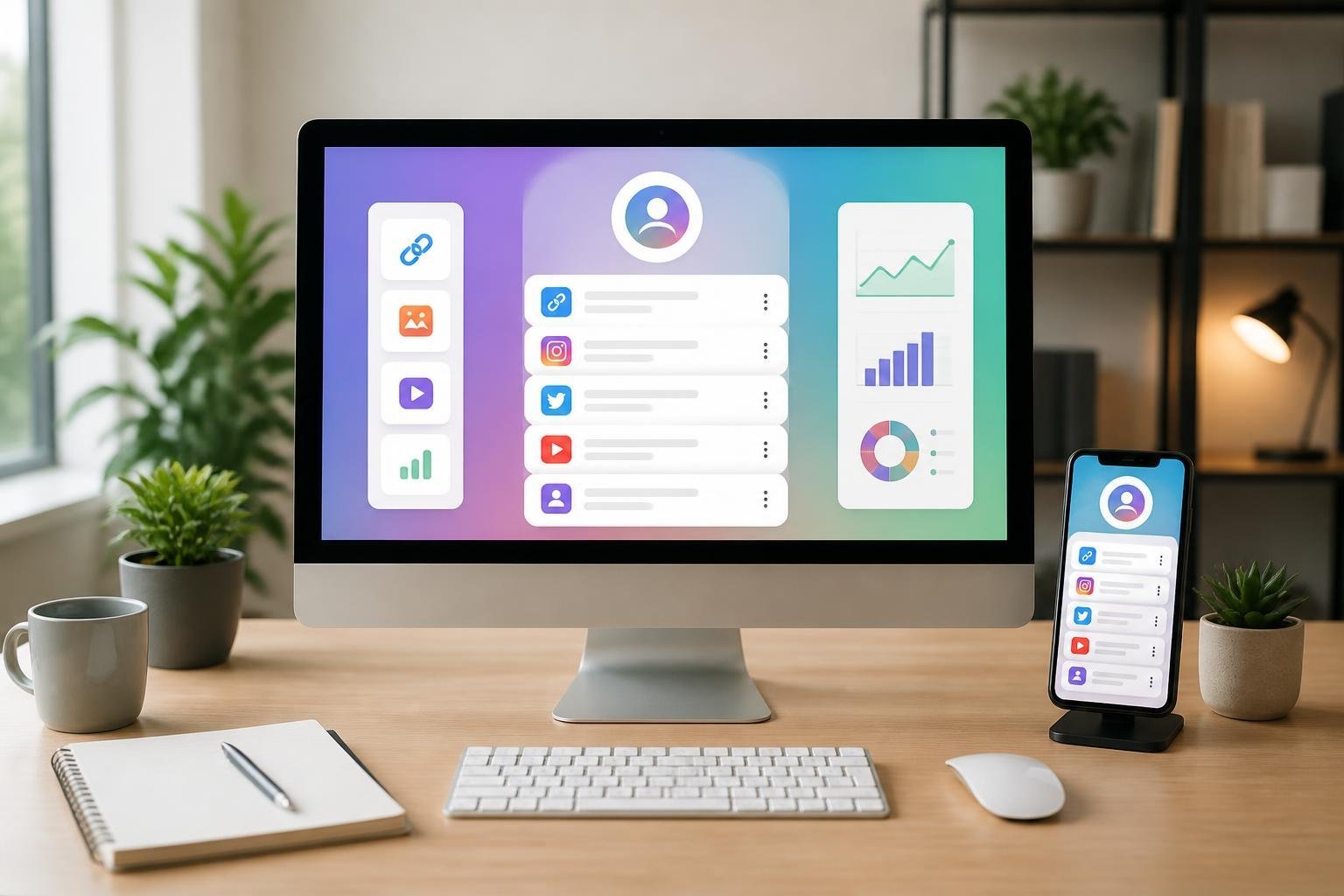
These tools focus on ease of linking, commerce enablement, and analytics. Pick a platform based on whether you need fast setup, revenue features, or deep tracking.
Linktree and Alternatives
Linktree remains a top choice if you want a one-page hub that publishes quickly and looks consistent across devices. Its strengths are simple link stacking, theme options, and QR code generation for offline channels. Paid plans unlock scheduled links, more analytics, and custom fonts; the free tier covers basic use.
If Linktree’s limitations bother you, several alternatives map closely to common needs:
- Linktree alternatives: Lnk.bio and Taplink for affordable templates and simple UIs.
- Shorby and Feedlink for short-form social posts and RSS-driven feeds.
- Carrd and Bio.site (or Bio.sites) when you want a lightweight, code-free mini-site rather than a list of links. You can migrate content between services easily; check CSV export and custom domain support before committing.
Beacons, Beacons.ai, and Monetization Tools
Beacons.ai targets creators who need commerce and audience tools alongside their bio link. You get built-in storefronts, media kits, email collection, and AI content features. Transaction fees may apply on lower tiers, so evaluate cost per sale versus integrated convenience.
Combine Beacons with monetization-focused platforms when you want specialized commerce:
- Komi and Linkpop (Shopify-integrated) for direct product sales and one-click checkouts.
- Hoo.be and Pillar for tipping, paywalled content, and campaign analytics. You should verify payment processing fees, affiliate/creator tools, and whether the platform offers native email or SMS marketing to avoid stitching multiple services together.
Campsite and Data-Driven Choices
Campsite emphasizes customization and link highlighting while keeping a simple interface. It’s useful if you want basic analytics without heavy e-commerce features. Paid plans expand reporting, remove branding, and add more layout controls.
For data-driven choices, compare these capabilities:
- Exportable click data and UTM support (look for Feedlink, Linkin.bio by Later).
- Pixel and UTM customization (offered by Beacons, Komi, and some Linktree plans).
- Visitor-level insights and conversion tracking (Pillar and Shopify/Linkpop integrate more deeply for commerce). Choose a tool that matches the depth of metrics you need; basic click counts suffice for casual use, while merchants and agencies should prioritize platforms with UTM, pixel support, and CSV exports.
Milkshake, Lnk.Bio, and User-Friendly Options
Milkshake and Lnk.Bio prioritize mobile-first creation and speed. Milkshake lets you build card-style pages from your phone that resemble Instagram Stories, making it ideal if you update content on the go. Lnk.Bio offers straightforward, low-cost link pages and simple templates for minimal setup.
Other user-friendly picks:
- Tap.bio and ContactInBio for drag-and-drop modules and social embeds.
- Bio.sites and Carrd if you want more design freedom without code.
- Flodesk and Shopify integrations when you need newsletter capture or direct product links feeding an existing store. If you value rapid setup and low maintenance, choose a platform with mobile apps, preset blocks, and one-click integrations to Instagram, TikTok, or Shopify.
Choosing the Right Tool for Your Needs
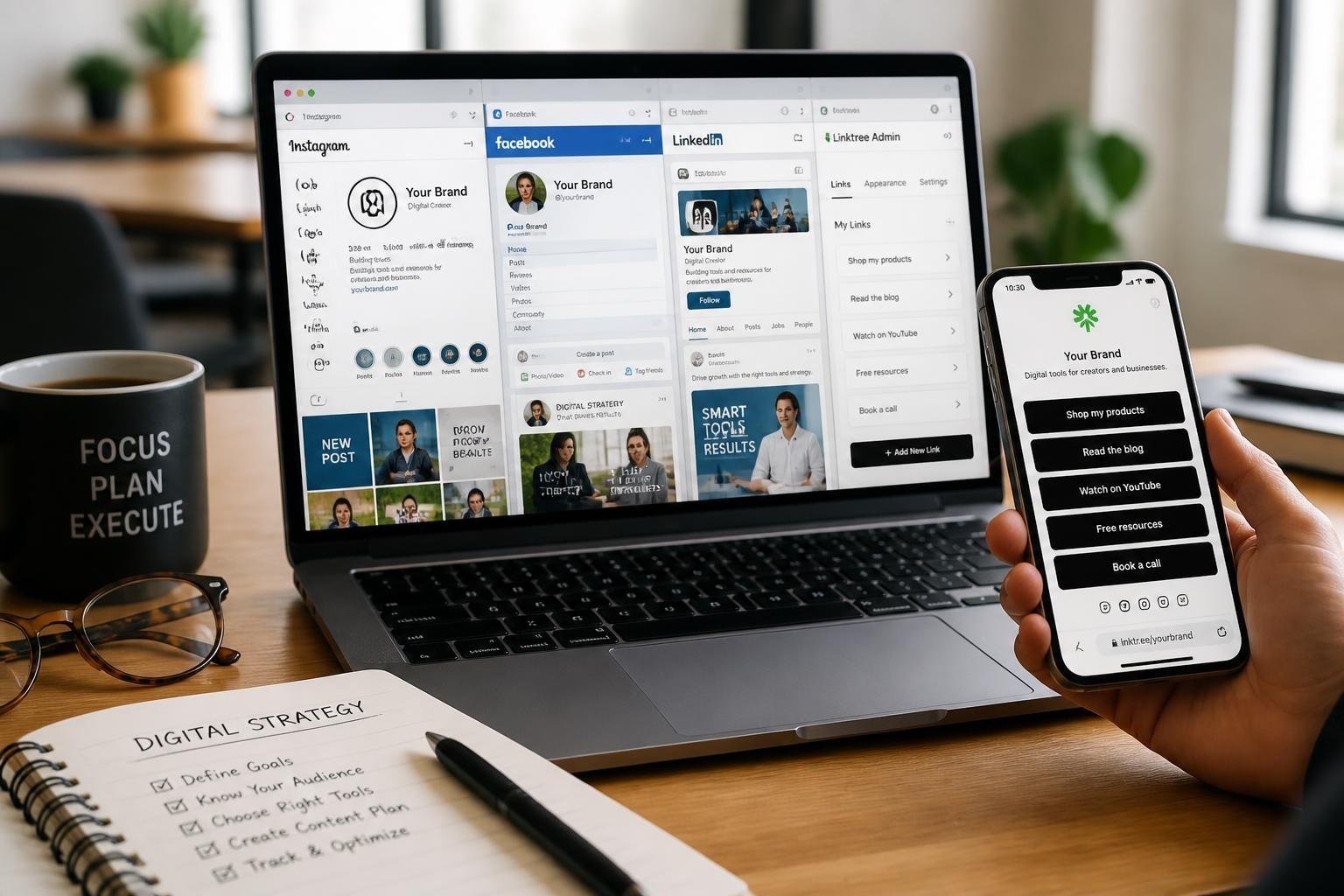
Pick a tool that matches how you drive traffic, what you sell, and how you measure success. Focus on branding, analytics, and the specific integrations you need for your social media bio and Instagram feed.
Content Creators and Influencers
You need a tool that turns your Instagram bio link into a revenue and discovery hub. Prioritize platforms with built-in commerce or tipping (product pages, cart, or donation/pay links), plus easy embedding of media like videos or audio for clickable Instagram posts. Choose a creator platform that supports email capture and newsletter signups so you can move followers off social platforms and into owned channels.
Design flexibility matters: choose templates that let you match colors, fonts, and add a media kit or press page for brand deals. Also check integrations with TikTok, YouTube, and link tracking for sponsorship reporting. If you run limited campaigns, a simple freemium option with reliable mobile layout may suffice; if you monetize heavily, pick a paid plan with payment processing and conversion analytics.
Small Businesses and Brands
You must prioritize branded experience and trust signals. Use a bio link tool that supports a custom domain and lets you add product categories, appointment booking, and clear CTAs that align with your Instagram link strategy. Branded short links improve click-through rates and reduce friction for buyers who move from your Instagram feed to a purchase page.
Make analytics actionable: look for UTM support, source reporting (Instagram vs. other socials), and conversion events tied to sales or bookings. If you manage local customers, pick WhatsApp or phone integrations and map/location blocks. For ecommerce, ensure the tool integrates with your store and supports inventory links in your bio link or clickable Instagram posts.
Customization for Agencies and Marketers
You need multi-client workflows, granular analytics, and white-label options. Look for team workspaces, role-based access, and the ability to host multiple branded link pages under custom domains for different clients. Bulk link management and scheduled updates save time when you update client promos across Instagram bios and feeds.
Data control is critical: choose platforms that offer first-party data ownership, exportable reports, and API access for automated campaign reporting. Also evaluate A/B testing for CTA layouts and advanced routing rules (device or region-based redirects) to optimize click-to-conversion paths. If you run paid social, ensure the tool accepts campaign UTM templates and integrates with your analytics stack.
Plans, Pricing, and Free Options
You’ll choose between free-tier convenience and paid plans that unlock conversions, analytics, and branding. Expect clear trade-offs: free plans limit links and analytics, while paid tiers add custom domains, removal of platform branding, and deeper tracking.
Freemium and Free Link in Bio Platforms
Many platforms offer a free plan that lets you create a basic landing page, add a handful of links, and use a platform-hosted URL. Free link in bio tools commonly limit link count, remove scheduled links, and show platform branding or ads.
Use a free plan to test layout, mobile performance, and link click tracking basics. Look for a free trial of a pro plan if you need to test features like link scheduling, payment buttons, or RSS-to-link. If you run multiple accounts or need team collaboration, most freemium options quickly require upgrading.
Compare free plans by checking limits: number of links, storage for media, and daily analytics history. That helps you avoid surprises when your audience grows.
Pro Features, Advanced Analytics, and Upgrades
Pro plans vary from $5–$20+/month depending on features and billing cadence. Upgrades typically add: unlimited or high link counts, conversion pixels (Facebook/Google), A/B testing, UTM tagging, removal of ads, and advanced click and conversion reports.
If you sell directly, look for payment integrations and transaction fee details before upgrading—some platforms take a cut or add gateway fees. Pro plans often include priority support, link scheduling, and custom CTA buttons. Annual billing usually lowers the monthly cost.
Use advanced analytics to measure traffic sources, conversion funnels, and time-based trends. Those metrics justify upgrades when you need growth optimization rather than just a nicer landing page.
Custom Domain and Branding Costs
Custom domains are usually an add-on or included only on mid-to-top tiers. Expect either a one-time setup fee or inclusion in pro plans; prices vary from free with annual plans to $1–$5+/month if billed separately. Domain mapping requires DNS access.
Custom branding—removing platform logos and adding your fonts/colors—commonly arrives on pro plans or higher. If you need white-label links for clients, confirm the plan supports multiple custom domains and sub-accounts.
Check whether the platform offers SSL for mapped domains at no extra cost. Also verify limits on brand assets (logos, favicons) and whether changing domains or transferring pages incurs fees.
Integrations, Marketing, and User Engagement
Link pages become action hubs when they connect to the tools that run your marketing and sales. Integrations with analytics, email platforms, commerce, and scheduling let you capture leads, measure behavior, and convert clicks into revenue.
Email Capture and Email Marketing
You should use built-in email capture forms or embed integrations with Mailchimp, Flodesk, or other ESPs to turn profile traffic into subscribers. Place a short form or popup above the fold and tie it to your chosen list to start collecting names and emails immediately.
Segment signups by source (Instagram, TikTok) using hidden fields so you can send targeted welcome sequences and improve open rates.
Make sure the link tool sends data to Google Analytics and your ESP. UTM parameters and Meta Pixel support let you track which link drives the most signups and attribute conversions accurately.
Automate a 3–5 email welcome flow that delivers value fast: one intro, one content/resource, and one soft offer. This increases click-through rates on follow-up campaigns and improves lifetime value.
Social Media Management and Scheduling
Connect your link page to social publishing tools and scheduling platforms so your bio link always matches your current campaign. Use social media management integrations that push a new link automatically when you schedule a post or story.
Look for tools that support direct integration with platforms you use for publishing and analytics, so clicks from scheduled posts appear in the same dashboards as organic activity.
Syncing also preserves branding consistency and reduces manual updates. If your link tool integrates with Google Analytics and Meta Pixel, you can compare engagement across organic, paid, and scheduled content.
Use A/B testing on button text and thumbnails to boost click-through rates. Small changes—CTA wording, image, or position—often produce measurable uplifts when tracked across your social manager.
Booking, Stores, and Affiliate Marketing
If you sell services, connect a booking calendar (Calendly, Acuity) so followers can book directly from your bio without visiting another site. Embed appointment slots or a “Book Now” CTA for faster conversions.
For products, integrate Shopify or a built-in store to let users purchase without leaving the link page. Cart and product embeds reduce friction and increase conversion rates on mobile.
Support affiliate marketing by adding trackable affiliate links and payout tracking where available. Use platform-level integrations to label affiliate links and capture referral data in Google Analytics.
Integrate Messenger or chat tools to handle quick questions and recover abandoned carts. Combining commerce, booking, and affiliate links with proper tracking preserves your conversion data and helps you optimize revenue per click.
Current Trends and Future Developments
Link-in-bio tools are evolving around faster, more tailored experiences and stronger control over content and access. Expect improvements in layout flexibility, AI-driven personalization, and hardened security to shape how you present links and monetize traffic.
Mobile-First and Dynamic Design
You should prioritize layouts that load quickly and read clearly on phones. Mobile-first design means buttons, images, and embedded content scale automatically, and page weight stays low to preserve load times on cellular networks.
Dynamic pages let you swap content without rebuilding the whole link page. Use customizable themes and modular blocks so you can A/B test CTAs, reorder links by campaign, or surface time-limited promotions. Responsive embeds (video, storefronts, appointment widgets) must behave predictably across screen sizes.
Focus on templates that support single-column navigation, large tap targets, and visible metadata (e.g., estimated read time or price). Analytics hooks should track which dynamic blocks convert so you can iterate designs that perform best for your audience.
AI-Powered Features and Personalization
AI now helps you tailor link pages to individual visitors and automate routine edits. Expect recommendation engines that reorder links based on referral source, time of day, or past click behavior, improving click-through for recurring visitors.
Content generation assists include headline suggestions, optimized button copy, and auto-created preview images for new links. You can deploy AI-driven scheduling to surface seasonal promos or rotate affiliate links while preserving consistent branding through theme-aware suggestions.
Personalization extends to segmented landing blocks: show purchase links to returning buyers, event sign-ups to regional visitors, and lead forms to new audiences. Track performance by segment to validate models and avoid overpersonalization that might feel intrusive.
Security, Privacy, and Platform Reliability
You need controls that protect both your audience and your brand. Password-protected links and time-limited access are essential when sharing exclusive content, digital downloads, or paid resources.
Platforms should provide SSL by default, robust rate limiting, and uptime guarantees. Check for activity logs, two-factor authentication on accounts, and per-link privacy settings so you can restrict visibility or disable tracking for GDPR/CCPA compliance.
Reliability means predictable behavior under load: cached assets, CDN delivery, and graceful degradation of embedded widgets. Clear privacy options let you choose whether to enable analytics, cookie banners, or third-party tracking on a per-page basis, maintaining trust with your visitors.
Frequently Asked Questions
These answers focus on practical steps, platform specifics, feature trade-offs, embed formats, design workflow with Canva assets, and the exact metrics to monitor for link performance.
Which platforms support adding a single profile link that routes to multiple destinations?
Instagram, TikTok, Twitter (now X), and YouTube allow a single clickable link in profile that creators commonly point to a multi-link landing page.
LinkedIn and Facebook also accept one primary link in personal and business profiles, which you can route to a multi-link page.
Some platforms (e.g., Instagram Stories, YouTube descriptions, TikTok bio links for business accounts) offer additional link opportunities, but the single-profile-link pattern remains the core use case for bio-link tools.
What features should I compare when choosing a free option for a multi-link profile page?
Compare whether the free plan supports unlimited links, scheduled links, and per-link CTAs like “shop” or “subscribe.”
Check domain options: custom domain support versus platform subdomains, and whether SSL is included.
Evaluate embed and media support (audio, video, forms), analytics depth (clicks, referrers, device breakdown), and transaction fees if you plan to sell digital goods. Finally, confirm branding controls: logo upload, color/theme customization, and removal of vendor branding.
How can I add and verify a multi-link page on Instagram without reducing engagement?
Add the multi-link URL to your profile bio and pin a post or Story Highlight that explains what people will find at the link.
Use short, descriptive anchor copy in bio (e.g., “Latest episode + merch →”) to set clear expectations and reduce drop-off.
Run A/B tests: change your bio CTA weekly and measure click-through rate from profile visits. Keep the landing page fast (under 3 seconds mobile load) to minimize bounce and preserve engagement.
Can I embed videos on a multi-link landing page, and which formats perform best on mobile?
Yes — most tools let you embed or host videos directly. MP4 (H.264 codec) provides the best compatibility across mobile browsers and lower CPU usage.
Use short, muted autoplay loops or poster-image thumbnails to save bandwidth and to avoid intrusive playback on mobile data plans.
Compress videos to keep them under ~5–10 MB for fast mobile loads and prefer vertical (9:16) or square (1:1) aspect ratios when your audience comes from Instagram or TikTok.
How do I design a clean, on-brand multi-link page using Canva assets?
Export Canva assets at web-optimized sizes: 72–150 DPI, PNG for transparent logos, and JPG for hero images.
Keep a limited palette and one or two typefaces; import brand hex codes into your link tool for consistent colors.
Use visual hierarchy: place your primary CTA as the first clickable button, add concise supporting copy beneath it, and space elements with ample padding so buttons are thumb-friendly on mobile.
What analytics should I track to measure clicks, conversions, and audience behavior from my profile link?
Track clicks, unique visitors, and click-through rate (CTR) by link to see which offers attract attention.
Measure conversions (email signups, purchases, downloads) and conversion rate per link to evaluate effectiveness.
Monitor referral source and device type to optimize layout and CTAs, and record time-on-page and bounce rate to identify engagement issues.